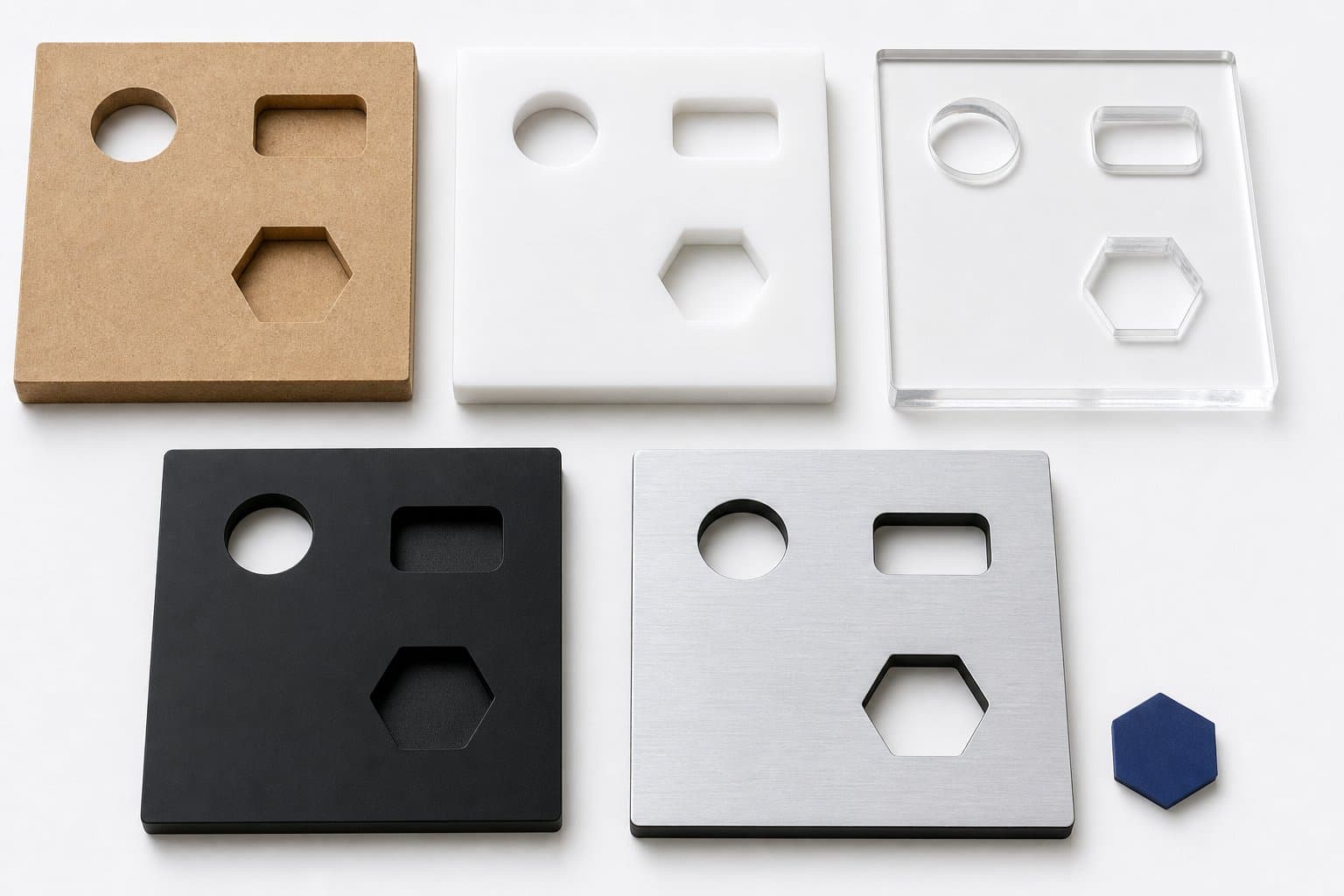
MATERIALS THAT FIT THE JOB
See exactly what you can order.
Choose from practical sheet materials, thicknesses and colours configured for CNC production.
 EZCNC
EZCNC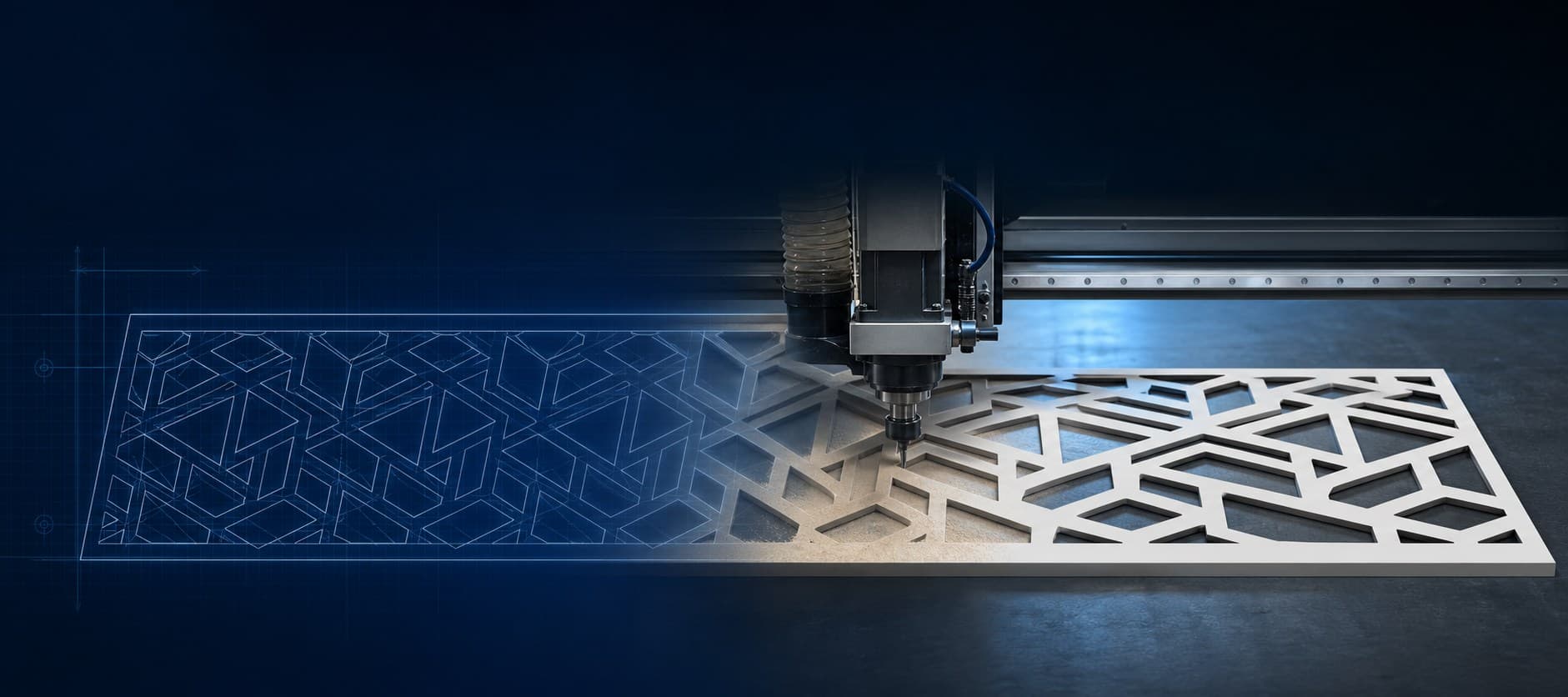
Upload your design. Get your price. Get it cut.
Browse the materials, thicknesses and finishes currently available for automatic CNC quoting. Our supplier network carries hundreds of additional materials, and EZCNC can often source specialized grades, sizes, colours and finishes. Explore the complete material guide →
Loading the current material catalogue...
Don't see the material you need?Our suppliers carry hundreds of materials. Ask us about sourcing a specialized grade, size, colour or finish.
Your project options will appear as soon as your verified session is confirmed.
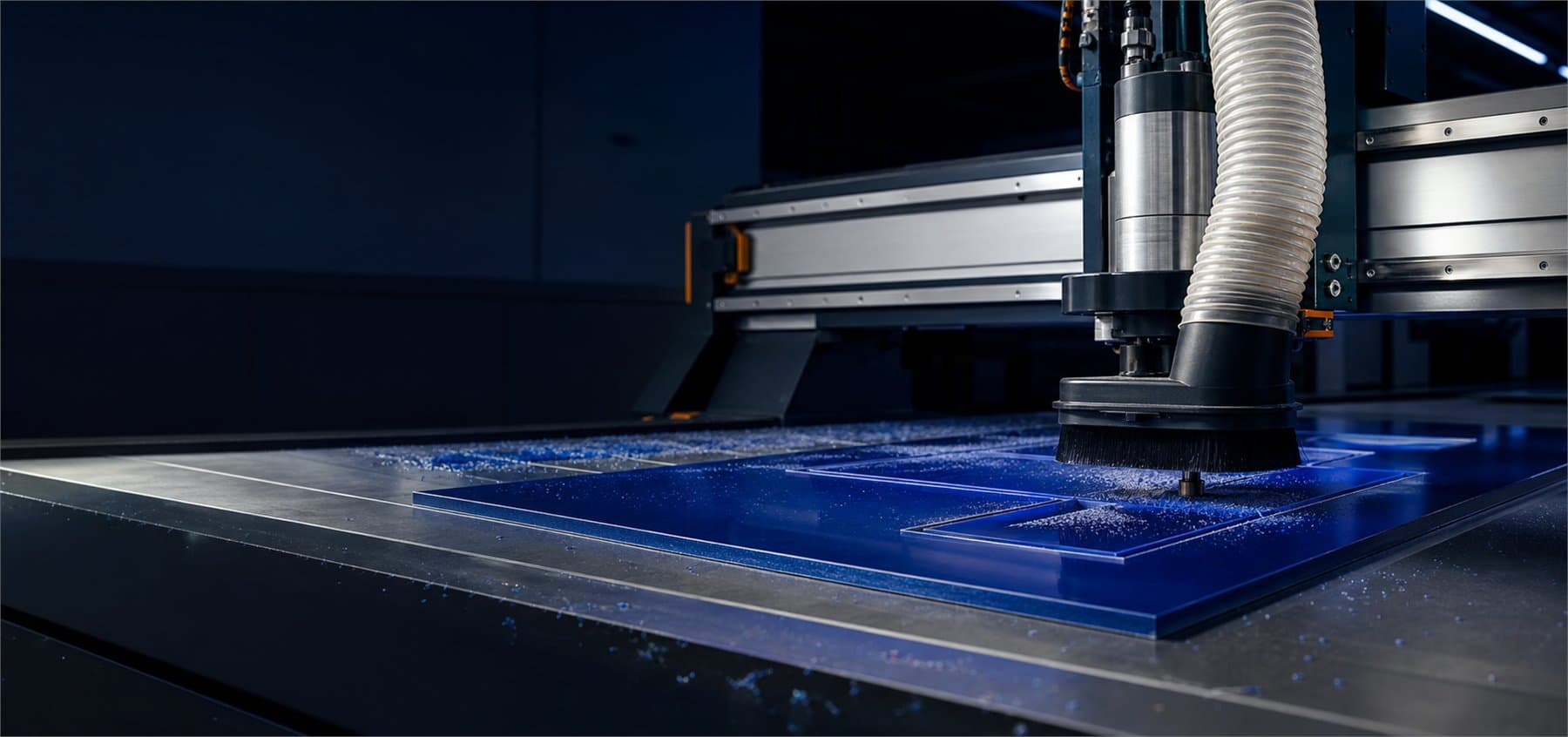
Upload your design, confirm the material and dimensions, and let a production-ready CNC shop handle the cutting.
Choose from practical sheet materials, thicknesses and colours configured for CNC production.
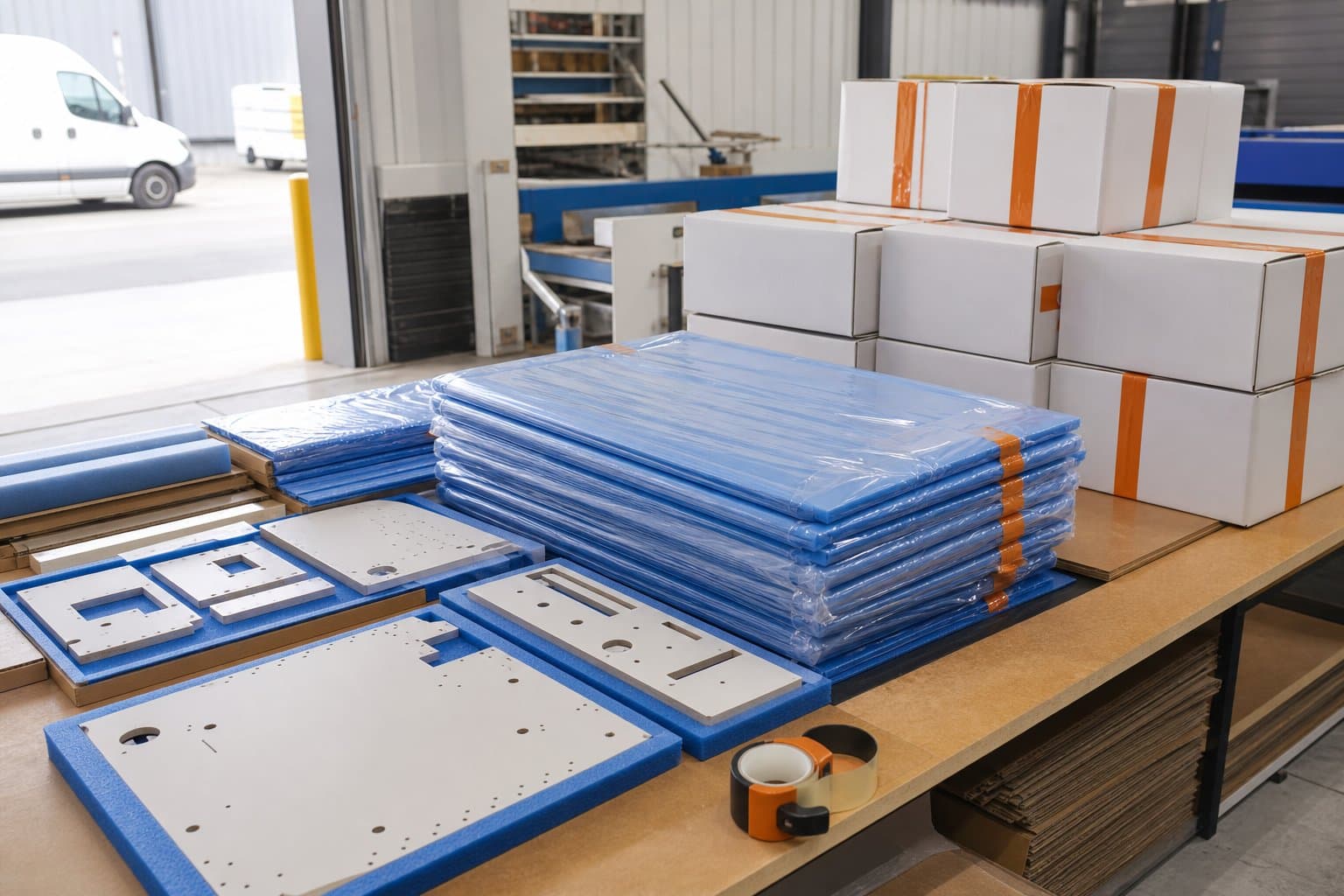
Finished parts are protected for transport so your order arrives ready for the next step.